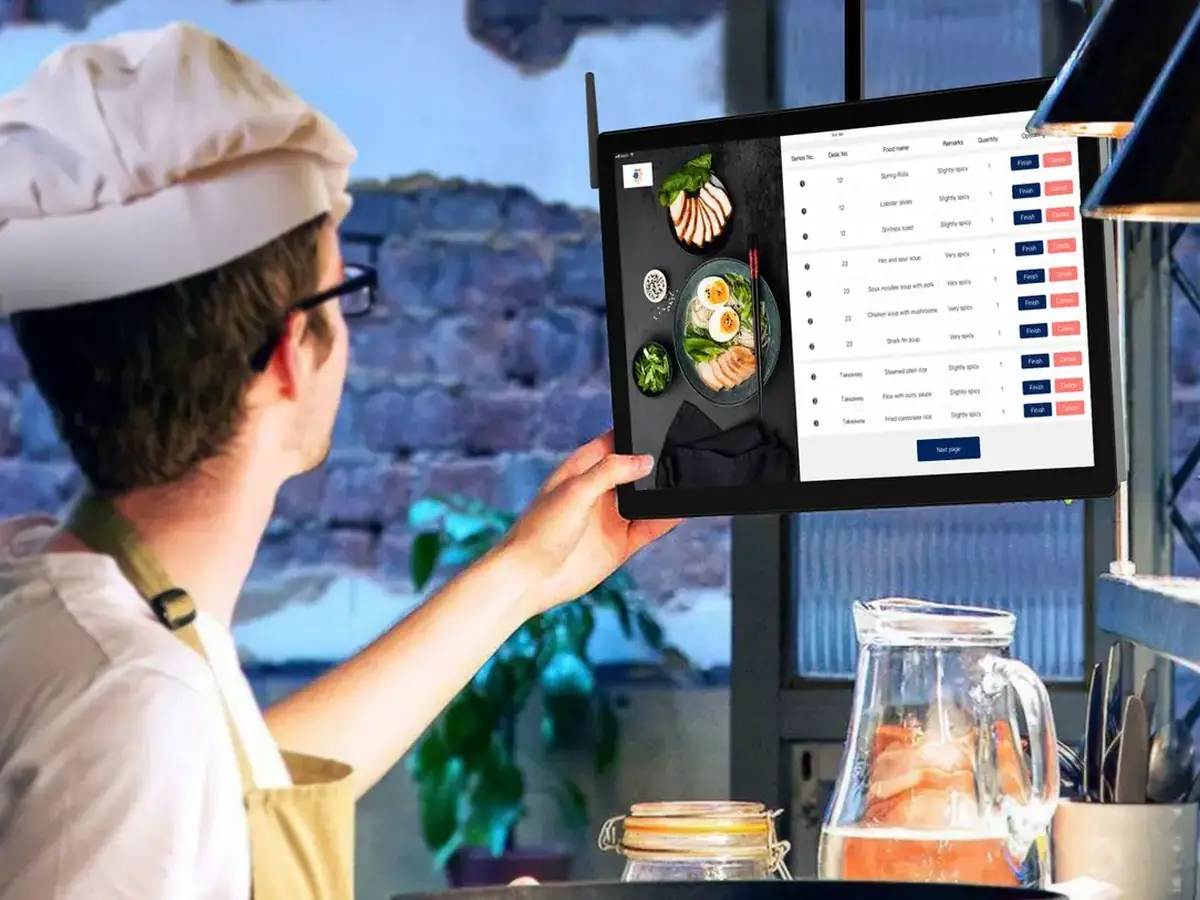
The restaurant software stack
| System | What it does | Need it? |
|---|---|---|
| POS (point of sale) | Takes orders and payments in the room, sends tickets to the kitchen | Yes, almost always |
| Online ordering | Your own pickup and delivery ordering page | Yes, if you sell takeout |
| Delivery apps / delivery software | Discovery and couriers (Uber Eats, DoorDash, SkipTheDishes, or on-demand couriers for your own orders) | Optional |
| Inventory management | Tracks stock, recipes and food cost | Useful as you grow |
| Accounting | Books, GST/HST/QST returns, bank reconciliation | Yes, or an accountant |
| Payroll | Pay, source deductions, T4s, tips | Yes, once you have staff |
What to buy first
- Start with POS plus your own online ordering; they handle the money.
- Add accounting from day one so sales tax is clean.
- Add payroll when you hire, and inventory when food cost becomes hard to track by hand.
- Check that each tool exports or syncs to the others. See the restaurant POS guide and online ordering systems compared.
Canadian rules your accounting and payroll must handle
- GST/HST: you generally must register once taxable sales pass $30,000 in four consecutive calendar quarters (small supplier threshold) (CRA, Register for a GST/HST account). In Quebec, QST also applies.
- Tips: CRA treats controlled tips (tips the employer controls or distributes, such as a pool you run or card tips you pay out) as employment income subject to source deductions. Direct tips, paid straight from the customer to the employee, have no CPP or EI withheld, but employees must still report them (CRA, Tips received by employees). Your payroll software needs to separate the two.
Where Chefzi fits
Chefzi is a commission-free online ordering system for Canadian restaurants: your own ordering page in English and French, for a flat $35 a month. It is the online ordering piece of the stack, and works alongside the POS you already use. If that sounds useful, book a 15-minute demo and we will show you your own menu in it. No pressure if you are just researching.
Sources
CRA, Register for a GST/HST account; CRA, Tips received by employees
Frequently asked questions
What software does a restaurant need?
A POS and online ordering first, then accounting, payroll once you hire, and inventory as you grow.
Are restaurant tips taxable in Canada?
Yes. Controlled tips go through payroll with deductions; direct tips are reported by the employee.
When must a restaurant register for GST/HST?
Generally once taxable sales pass $30,000 in four consecutive calendar quarters.